TS Range Breakout EA - Major Update
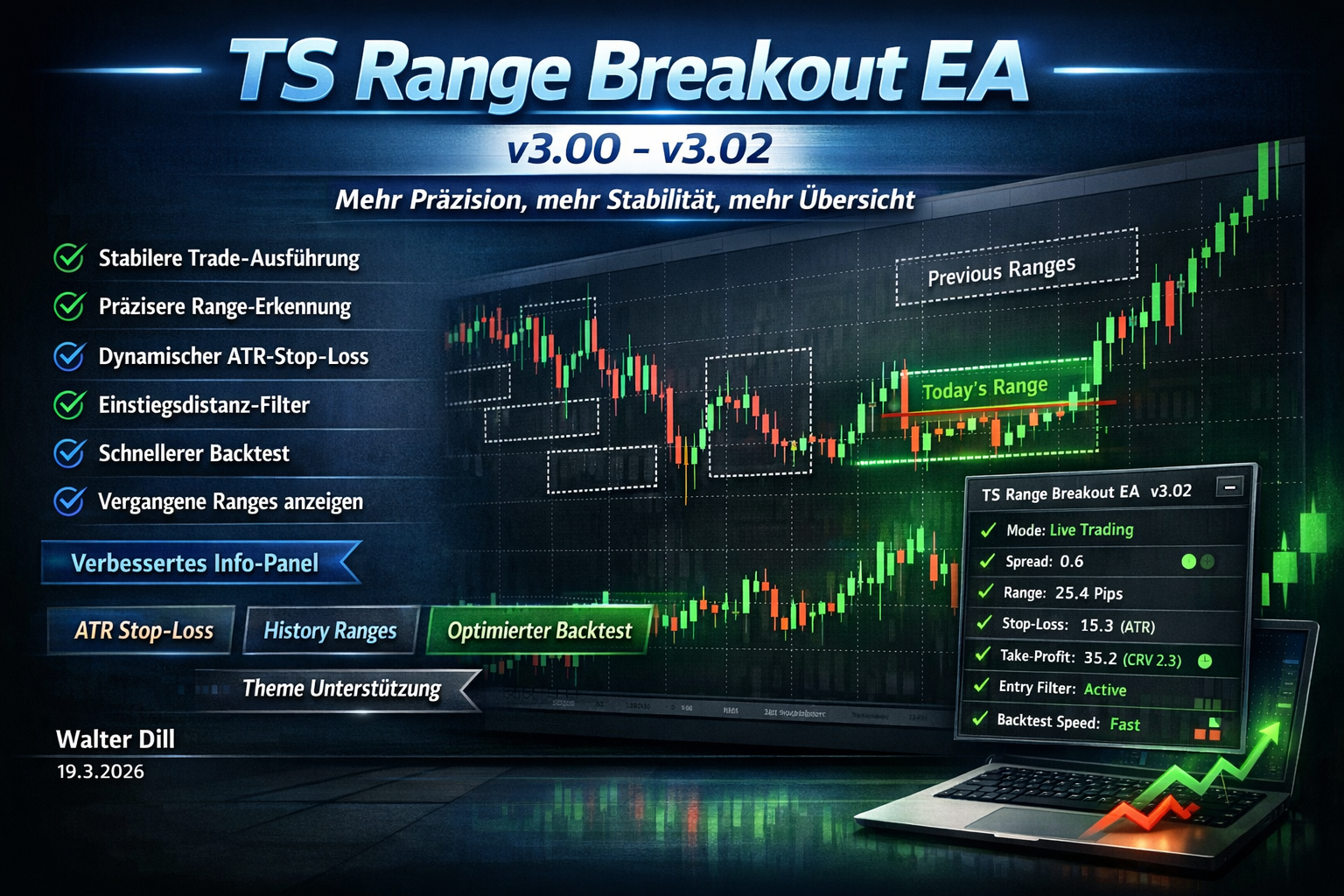
TS Range Breakout EA v3.00–v3.02: More Precision, More Stability, More Clarity
With versions v3.00 to v3.02, the TS Range Breakout EA has been comprehensively improved. The focus was on more stable trade execution, more precise range detection, and significantly better usability in live trading and backtesting.
Key improvements include automatic recalculation of stop-loss and take-profit on every execution attempt, consideration of broker stops level, more accurate range calculation based on 1-minute candles, and the ability to automatically load today's range from history even after a late EA start.
New additions include an optional dynamic ATR stop-loss and an entry distance filter that can prevent late breakout entries. Backtest speed has also been noticeably improved.
Additionally, the info panel has been significantly expanded and visually optimized: it now automatically adapts to the selected theme, displays comprehensive strategy data, and updates without flickering.
With v3.01, an important bug in range detection on the first backtest day was fixed. Additionally, past ranges can now be displayed directly on the chart to better understand setups.
v3.02 brings further improvements for chart navigation, ensures today's range always remains visible, extends the display of past ranges to up to 20 trading days, and significantly improves performance when scrolling in the chart.
TS Range Breakout EA v3.00 - Major Update
More Stable Trade Execution:
- Stop-loss and take-profit are now recalculated on every execution attempt. Previously, in case of requotes, the trade could be opened with outdated SL/TP values. This issue is now fixed.
- The broker's minimum distance (stops level) is now automatically considered. Trades that were previously rejected due to too tight SL are now correctly adjusted.
Improved Range Detection:
- The range is now calculated based on 1-minute candles instead of the chart timeframe. This means more accurate high/low values, regardless of which timeframe the EA runs on.
- If the EA is started after the range window (e.g., after restart), it automatically loads today's range from history. Previously, you had to wait until the next day.
Dynamic Stop-Loss (New):
- Optional ATR-based stop-loss that adapts to current volatility. In high volatility, the SL is set wider, in low volatility tighter - within adjustable min/max limits.
Entry Distance Filter (New):
- New filter that prevents a trade from being opened if price is already too far from the breakout level. Adjustable as a percentage of range or fixed points.
Faster Backtesting:
- Significantly faster backtests through optimized data processing. The "Fast Backtest" mode now consistently skips all visualizations.
Theme Support:
- The info panel automatically adapts to the selected chart theme (Light, Dark, TS Dark, TS Light). When switching themes, the panel is updated immediately.
Improved Info Panel:
- Complete strategy information in the panel: mode, spread, range size, SL in % and points, TP with CRV and points, active filters, ATR value, and 6 different status displays.
- Panel no longer flickers when updating.
TS Range Breakout EA v3.01 – Bugfix + New Feature
Bugfix: First Trading Day in Backtest:
- The range was not detected on the first day of a backtest. This issue is now fixed – range detection now works reliably from the first trading day.
Display Past Ranges (New):
- New setting "Show Past Ranges" (0–10). Displays the ranges of the last trading days on the chart to visually understand the strategy and analyze past setups. Past ranges are shown with a dotted border.
TS Range Breakout EA v3.02 – Bugfixes + History Ranges Extended
Freely Controllable Chart Navigation:
- Chart shift and autoscroll buttons can now be manually turned on and off. When the EA starts, the chart is indented as usual, then you can freely control the buttons to scroll into the past.
Today's Range Always Visible:
- If the EA is started after the trading window (e.g., in the evening), today's range is now displayed on the chart anyway.
Past Ranges: More Overview:
- The maximum number of past ranges has been increased from 10 to 20. By default, 10 ranges are now displayed (previously 0).
Performance Improvement:
- The theme is no longer reloaded on every scroll. The chart now responds much more smoothly.